
After adding GPGPU node to PBS Professional, you have to make sure, it is in the right queue first
qmgr -c "set node gpu-node resources_available.Qlist = gpu_v100"Locate the cgroups.json2 script in the directory you have placed in. Check by doing the following
ll cgroups.json2If there, edit the file.
vim cgroups.json2Find the place where the “run_only_on_hosts” and add the node
"run_only_on_hosts" : [ "gpu-node1", "gpu-node2", "gpu-node3", "gpu-node4],
        "cgroup":
......
......
......
Use the qmgr to import the file
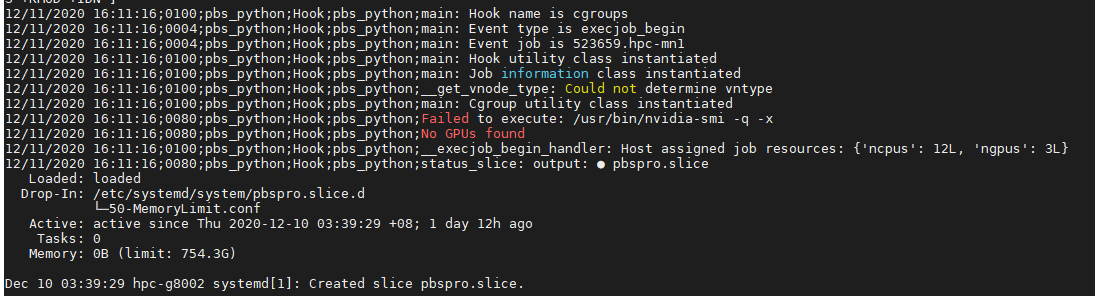
qmgr -c "import hook cgroups application/x-config default cgroups.json2"Check that the PBS has detected the node correctly
pbsnodes -aSj |grep gpu-node1

 The Linux Cluster