db5 error(11) from dbenv->open: Resource temporarily unavailable when doing dnf install

If you are having an issue similar to this message

error: db5 error(11) from dbenv->open: Resource temporarily unavailable

The issue is likely due to a locked or corrupted database caused by an interrupted dnf process

Step 1: Remove RPM Database Locks:

# cd /var/lib/rpm
# rm -force __db.*

Step 2: Rebuild the Database

# rpm --rebuilddb

Step 3: Clear all cache data to remove inconsistencies

# dnf clean all

References:

https://unix.stackexchange.com/questions/634676/criticalyum-main

No matching repo to modify: PowerTools when using dnf install on Rocky Linux 8.5

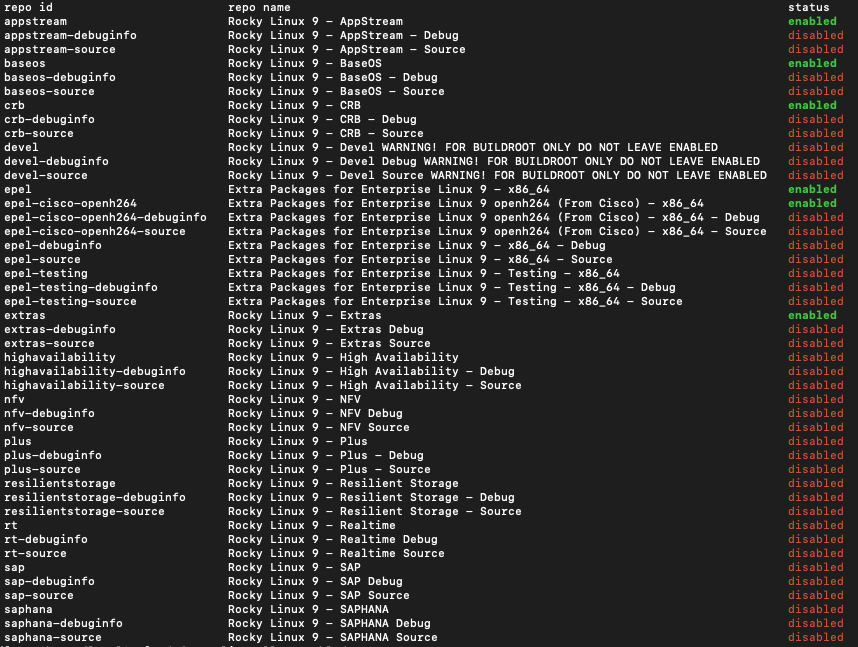
I was trying to install hdf5 after enabling EPEL. Installing EPEL

% dnf install -y epel-release
% dnf config-manager --set-enabled PowerTools
Error: No matching repo to modify: PowerTools.

I’ve noticed this documentation from CentOS-8 Repoid, there are name changes from Yum_repo_file_and_repoid_changes from 8.3 onwards. The documents can be found at https://wiki.centos.org/Manuals/ReleaseNotes/CentOS8.2011#Yum_repo_file_and_repoid_changes

Repoid (8.2.2004 and before)Repoid (8.3.2011 and later)
BaseOSbaseos
AppStreamappstream
PowerToolspowertools
centosplusplus
HighAvailabilityha
base-debuginfodebuginfo
Develdevel
BaseOS-sourcebaseos-source
AppStream-sourceappstream-source
centosplus-sourceplus-source
base-debuginfodebuginfo
% dnf config-manager --set-enabled powertools