Step 1: On the Client, with root access
#dacontrol -e -c /usr/share/centrifydc/libexec/dzdo
Step 2: Use vim and add to the bottom of the file
dash.allinvoked: true
Step 3: Disable NSS, which controls auditing for the entire login session
#dacontrol -d
Step 4: Restart the Centrifyda daemon
systemctl restart centrifyda
Step 5: Log Off and Start a new session
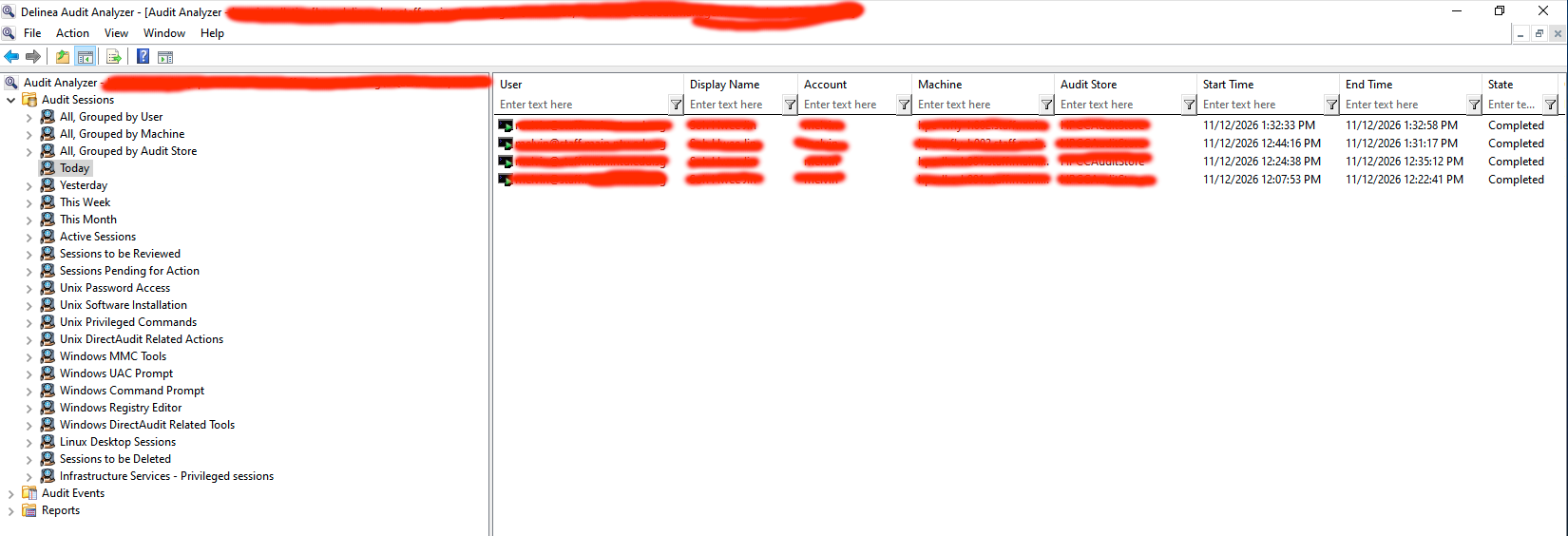
Log in and start a dzdo session. At the Delinea Audit Analyzer, you should see in Progress