
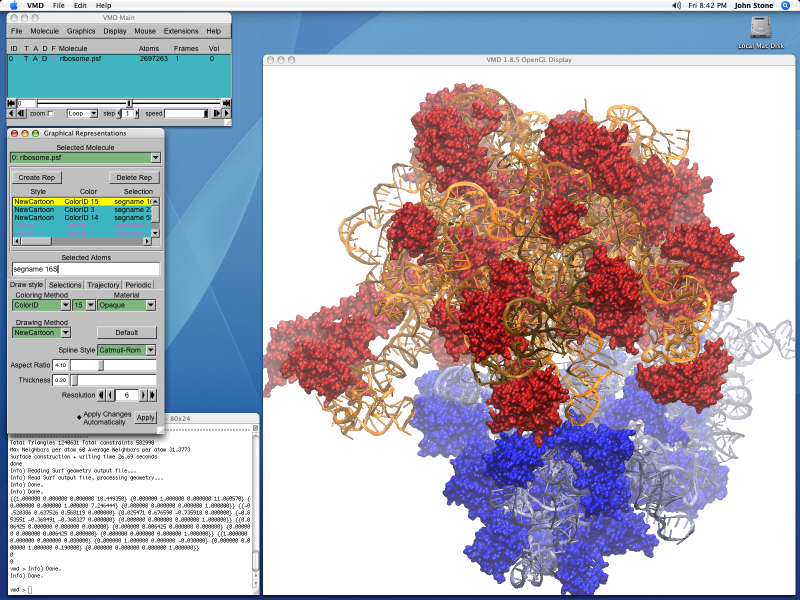
Register and download the VMD from VMD Site
Step 1: Unpack the VMD tar-gz
% tar -zxvf vmd-1.9.3.bin.LINUXAMD64-CUDA8-OptiX4-OSPRay111p1.opengl.tar.gzStep 2: Edit the configure.sh
% cd vmd-1.9.3
% ./configure
./configure
using configure.options: LINUXAMD64 OPENGL OPENGLPBUFFER FLTK TK ACTC CUDA IMD LIBSBALL XINERAMA XINPUT LIBOPTIX LIBOSPRAY LIBTACHYON VRPN NETCDF COLVARS TCL PYTHON PTHREADS NUMPY SILENT ICC
% vim configure Between Line 15-19, you may want to edit the path and
# Directory where VMD startup script is installed, should be in users' paths.
$install_bin_dir="/usr/local/vmd-1.9.3/bin";

# Directory where VMD files and executables are installed
$install_library_dir="/usr/local/vmd-1.9.3/lib/$install_name";
Configure and Compile
% ./configure LINUXAMD64
% cd src
% make install
If you are encountering issues like make: *** No rule to make target y.tab.h', needed byvmd_LINUXAMD64′. Stop, try and see whether you have permission issues on the
 The Linux Cluster