
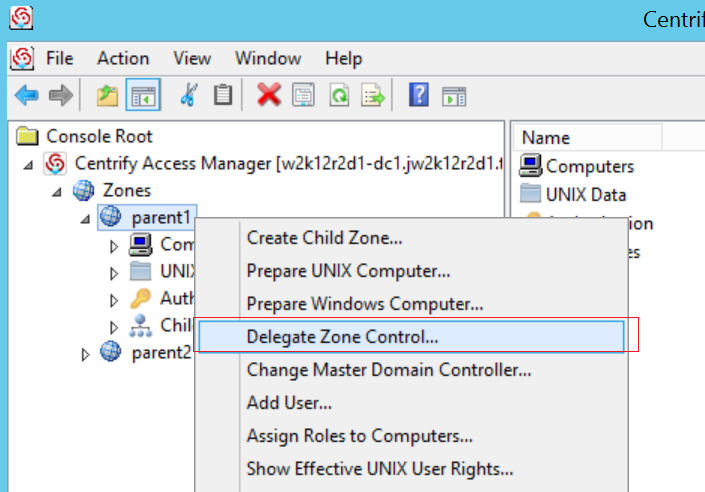
- Open Access Manager as Administrator
- Right click “Centrify Access Manager > Zone > Global”
- Select “Delegate Zone Control…”
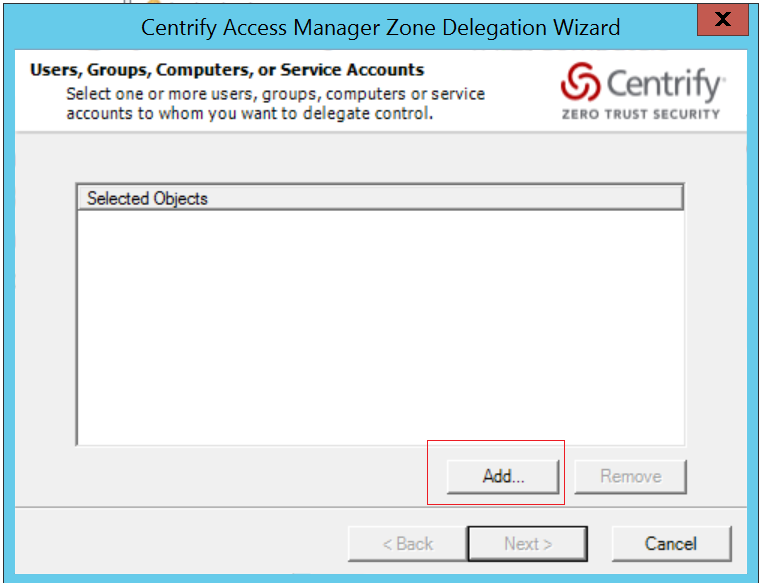
- In the Dialog window, click “Add”
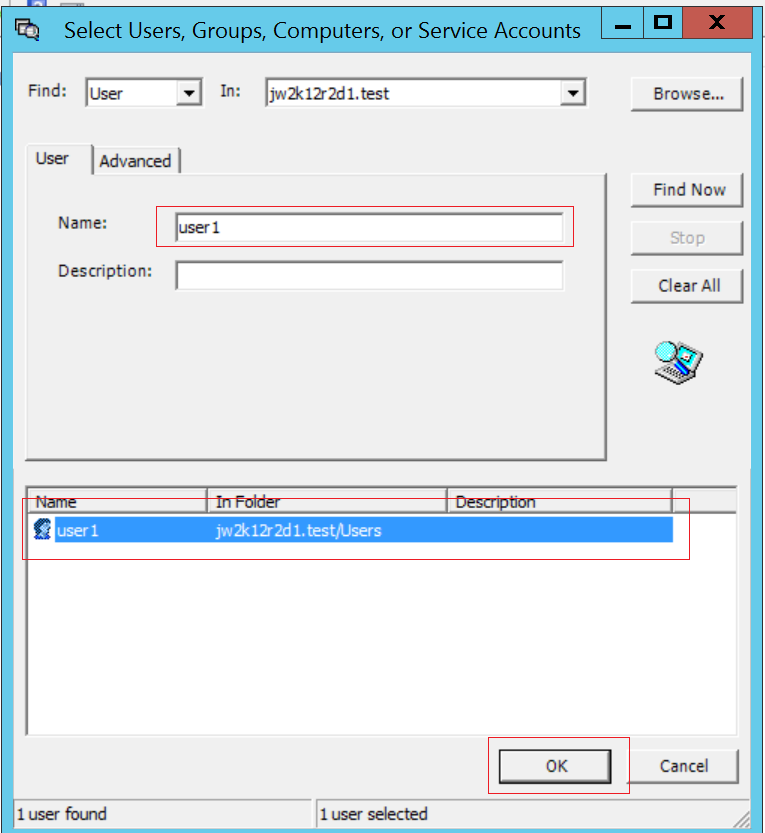
- Input user name into “Name:” field and click “Find Now”
- Select the User and click “OK”
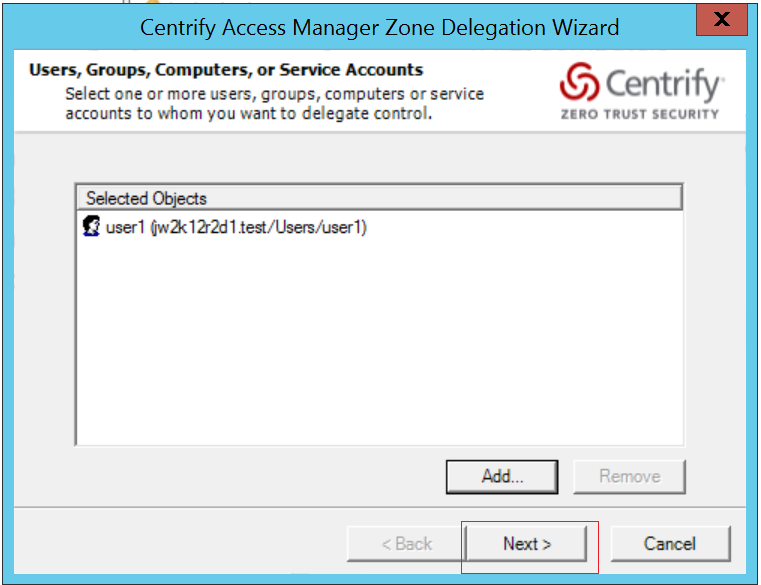
- Click “Next”
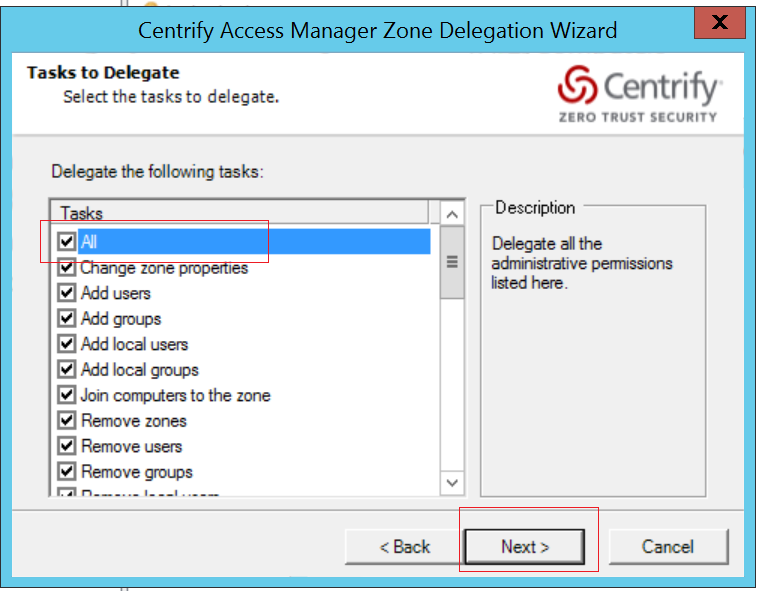
- Click “All” in the Tasks list and click “Next”
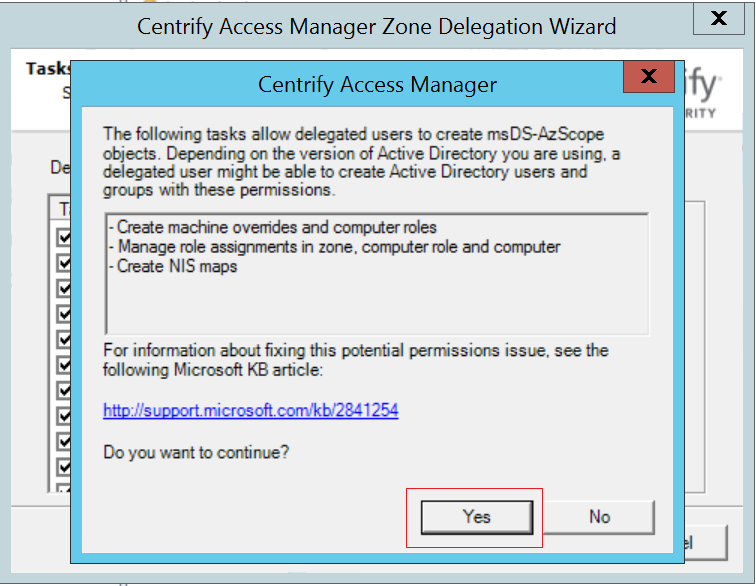
- Click “Yes”
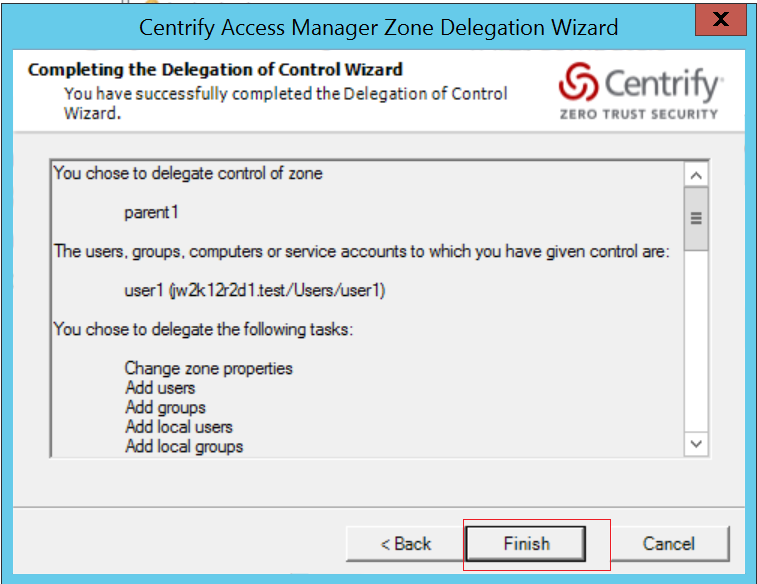
- Click “Finish”
 The Linux Cluster