
Step 1: Download Chrome RPM Package
wget https://dl.google.com/linux/direct/google-chrome-stable_current_x86.64.rpm
Step 2: DNF install Dependency and RPM Packages
# dnf install google-chrome-stable_current_x86_64.rpm 
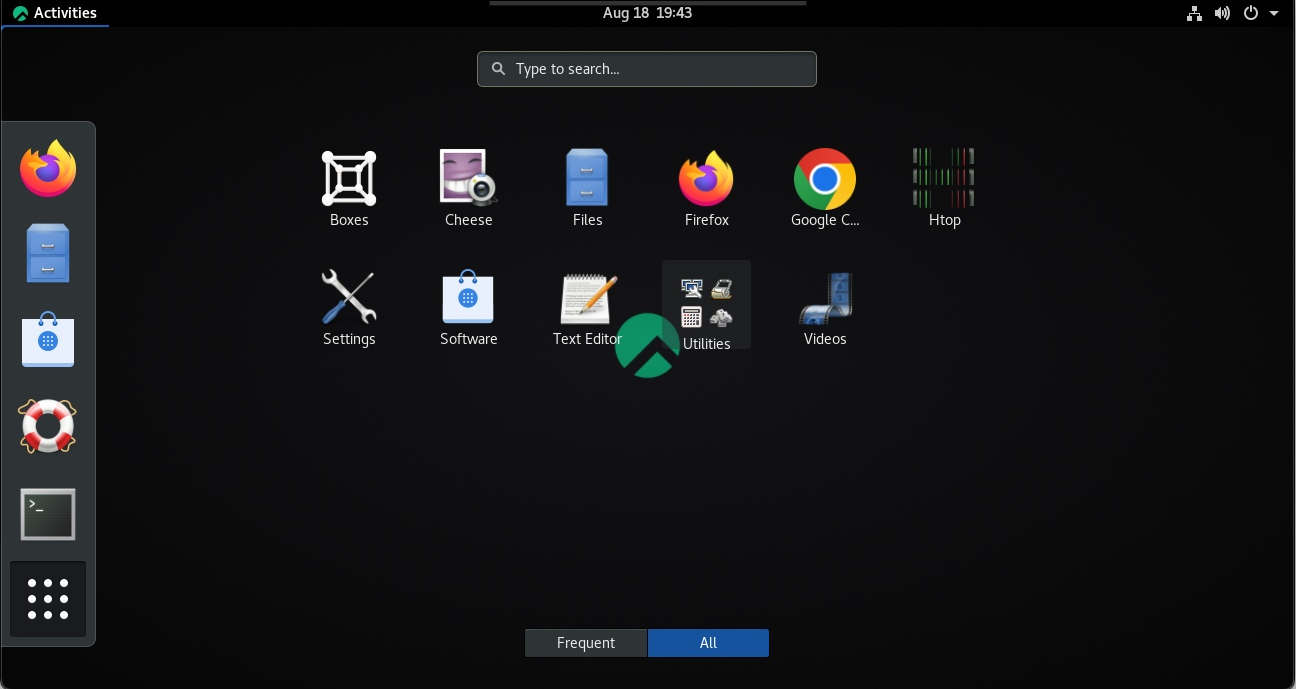
You should be able to find Chrome when you click the “List all Applications”

Great! You can see the Chrome Icon!
 The Linux Cluster