
Step 1: Ensure that you have subscribed to Red Hat Virtualisation Channels. For more information, see Subscribing to Red Hat Virtualisation Manager Channels
Step 2: Install RHEVM packages.
This will take a while…… 1.6GB of downloads…….
# yum install rhevm rhevm-reports
Step 3: Link the Directory Server to the Red Hat Enterprise Virtualisation Manager.
See Joining RHEVM-Manage-Domain tool to join AD Domain
Step 4: Install RHEV manager
# rhevm-setup
Step 5: Go to the website – Administration Portal

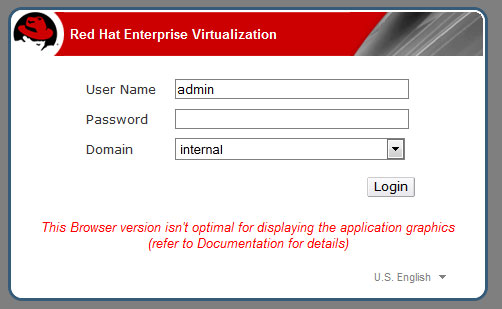
Step 6: Logon to the Portal with admin
Step 7: Create Data Centre
Step 8: Create and Populate a New ISO NFS Storage Domain
Step 9: Creation of Logical Network
Step 10: Creation of Windows 7 with Virtio
 The Linux Cluster